How to manage my account ?
On the mobile app
- Log in to the platform.
- Click the “My Account” button in the bottom-left corner.
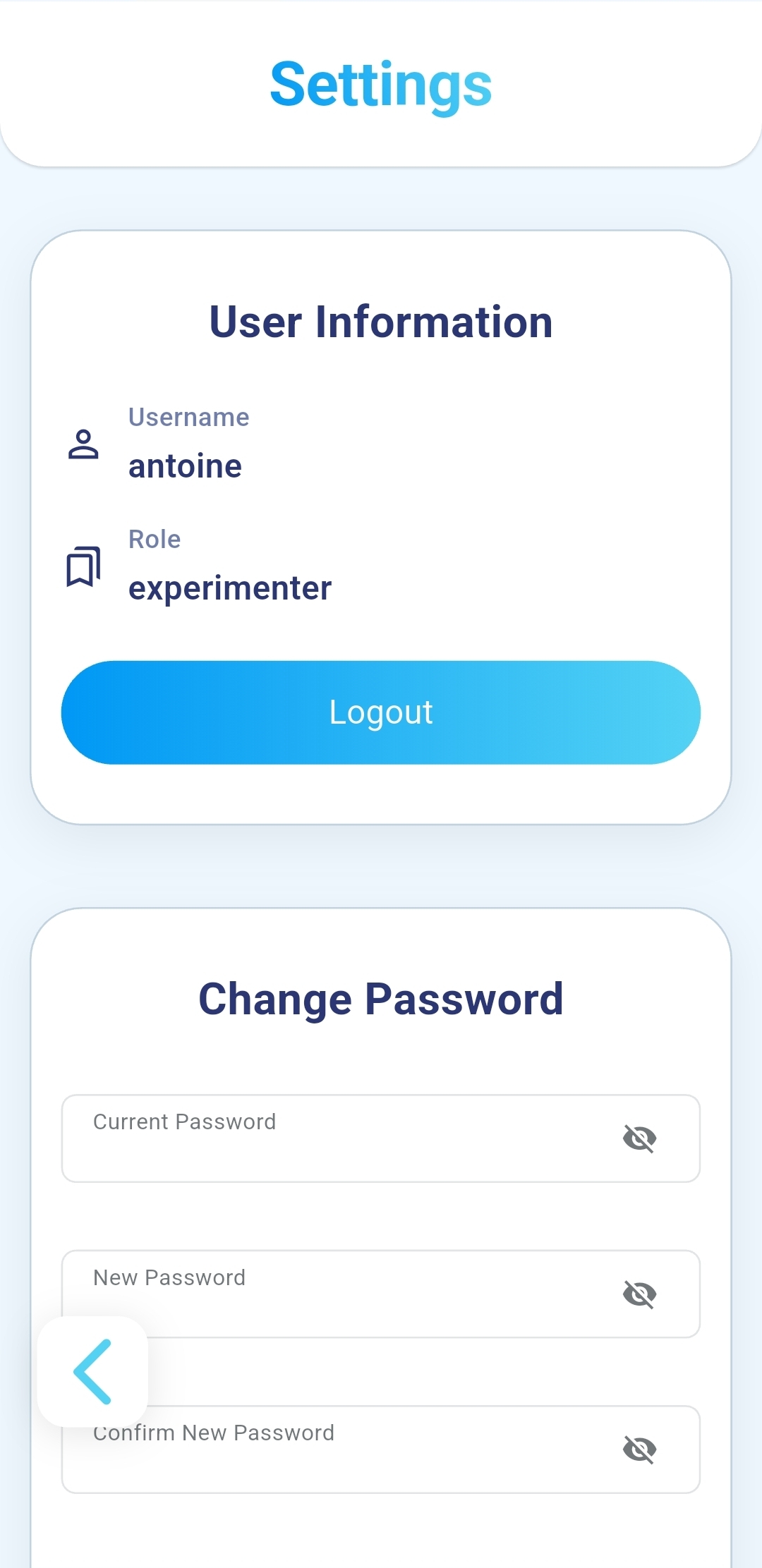
- Your user information will be displayed: Username, Role.
- To update your password, complete the fields and click “Update Password.
On the platform
- Log in to the platform.
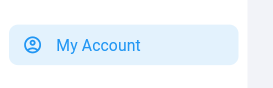
- Click the “My Account” button in the bottom-left corner.
- Your user information will be displayed: Username, Email, Role.
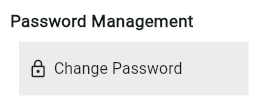
- To update your password, click the “Change Password” button and follow the instructions.